Bump diff navigation
✨ Quickly identify what has changed in your API ✨
Jump from change to change! No need to scroll anymore to see the latest changes in your documentation diff.
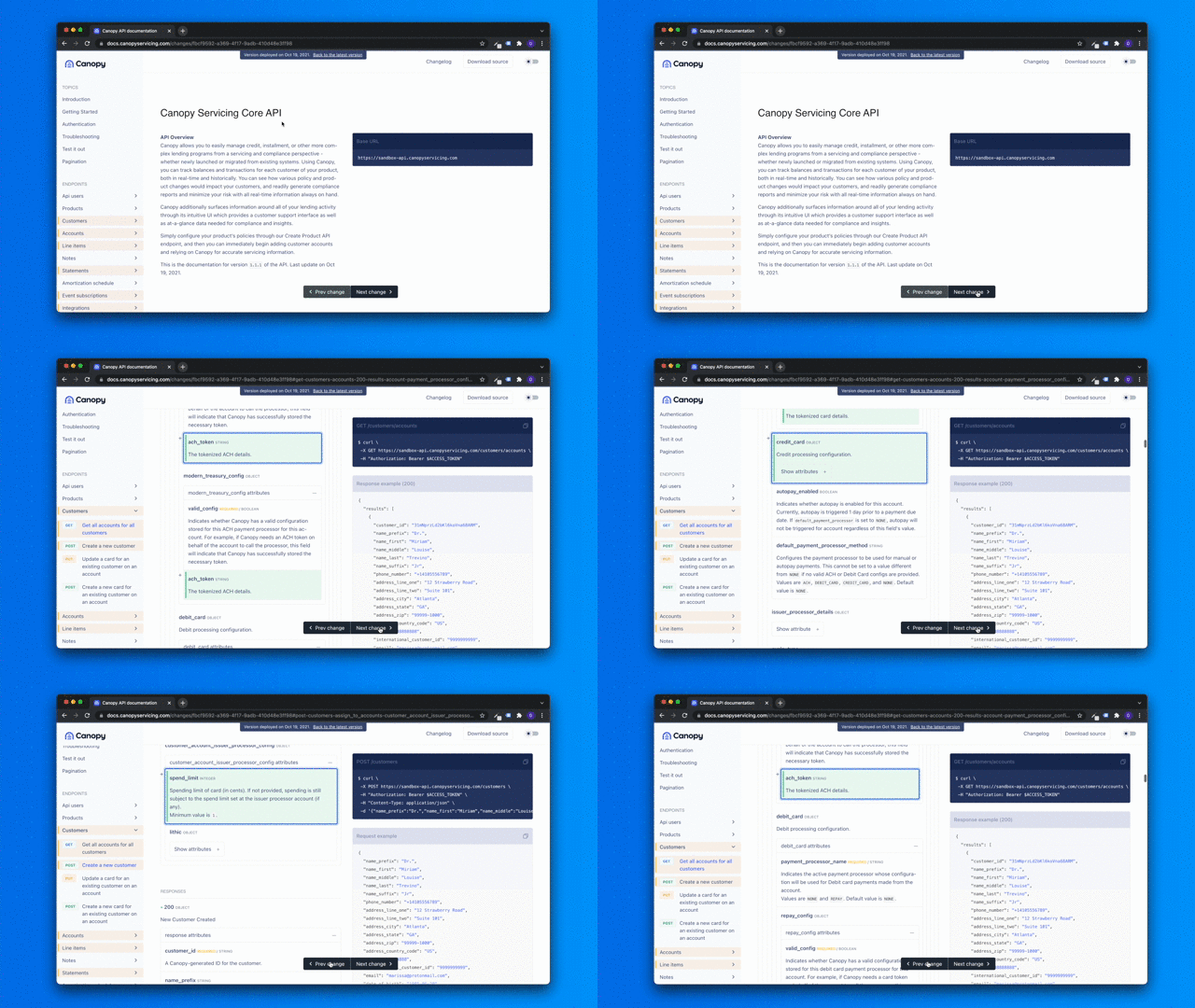

✨ Quickly identify what has changed in your API ✨
Jump from change to change! No need to scroll anymore to see the latest changes in your documentation diff.
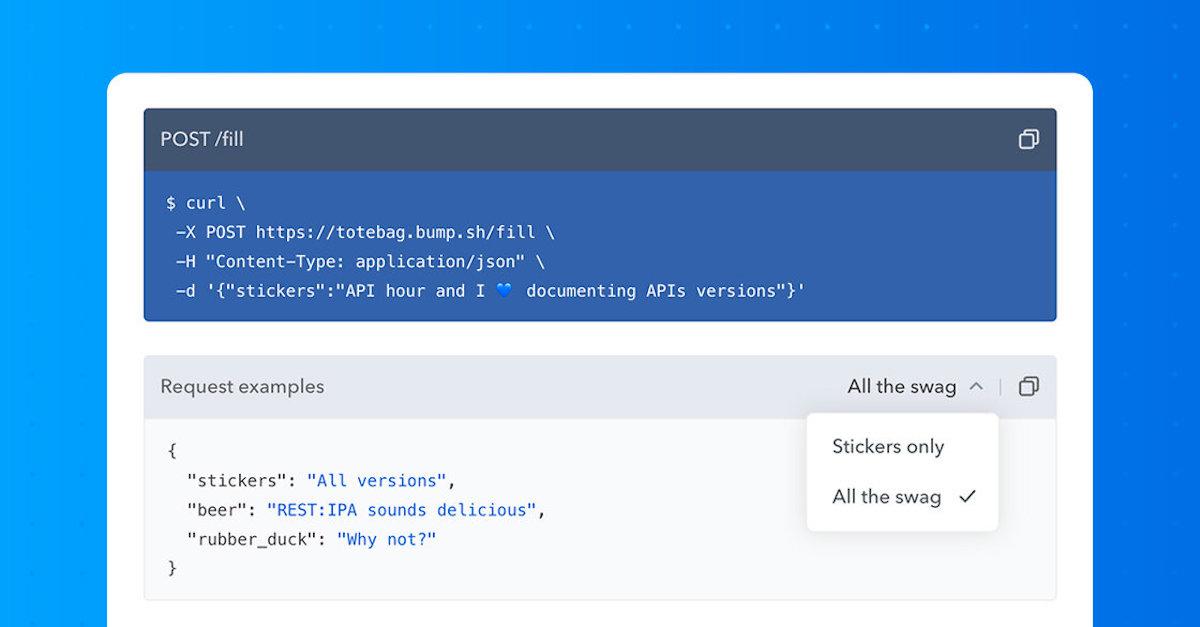
Give your API users a personalized experience and a better understanding of your API while reading your documentation by including multiple examples to your API definition.
Bump now supports displaying multiple examples which are supported by both OpenAPI and AsyncAPI specifications.
A new --live flag was added to the bump preview command.
This gives you the ability to stay focused on your API definition file (OpenAPI or AsyncAPI file) while seeing your Bump preview documentation page being updated as you change the file.
No need for a specific text editor, or any extension, just use the bump CLI to preview your documentation live.
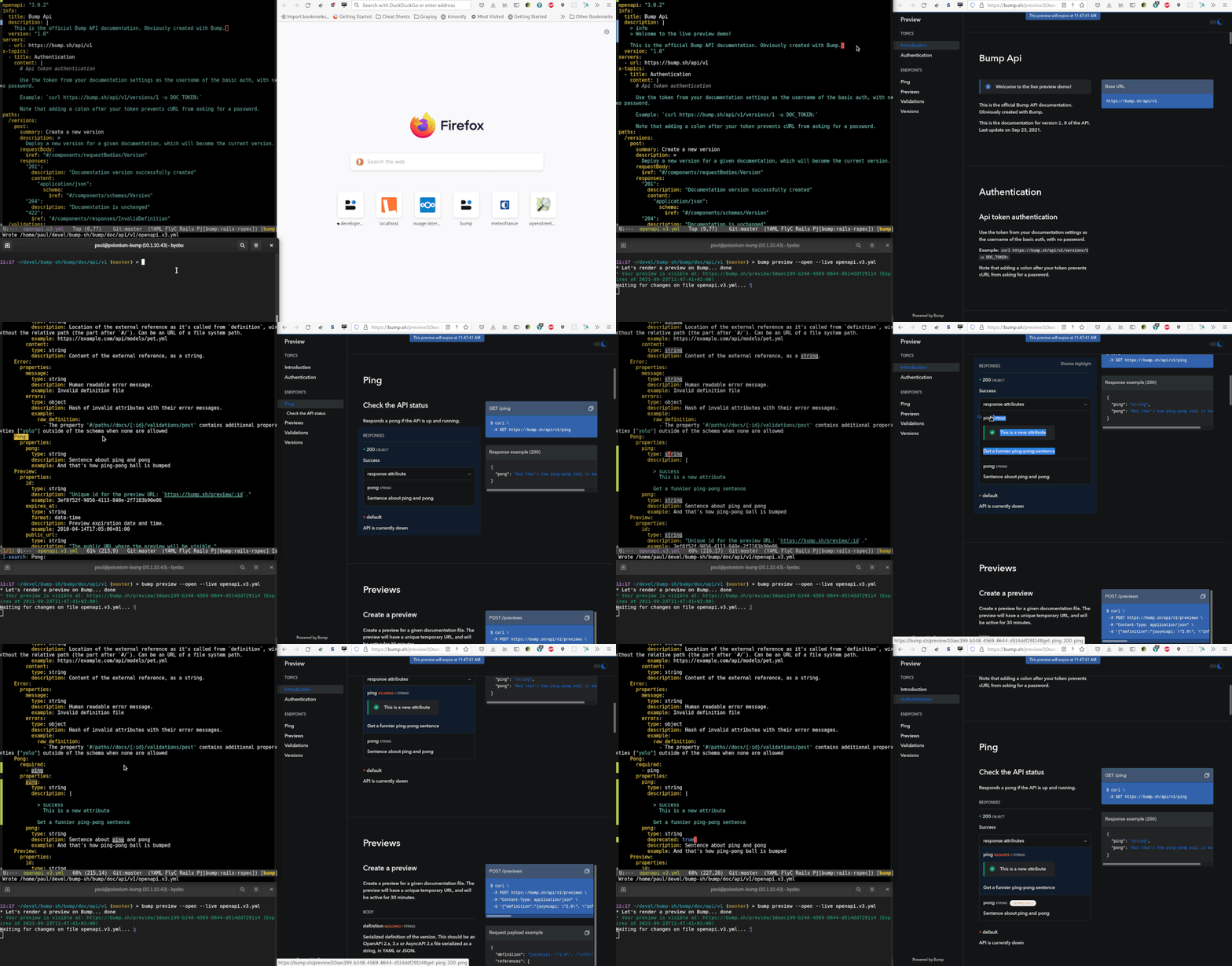
Learn more about live preview on our help page.
If some changes are more important than others, it is especially true for your API.
From now on, we automatically detect if a new version of your API includes some breaking changes. It will be visible in the changelog page, in the changelog email or the brand new RSS feed… but also during your API design phase while opening a pull request thanks to our Github Action.
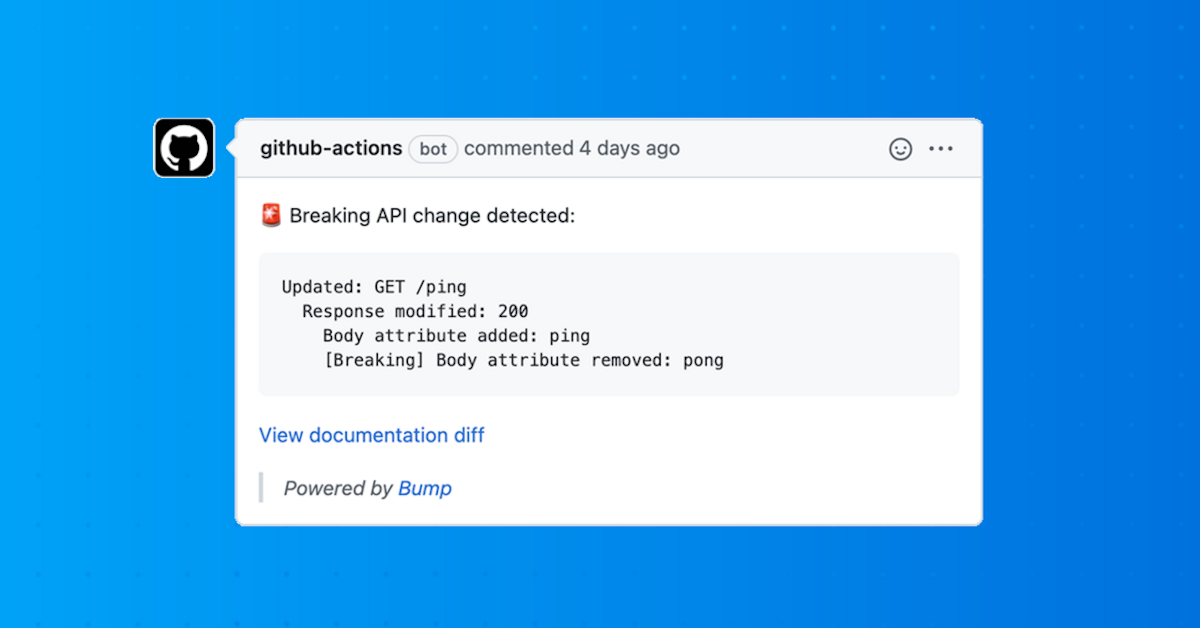
With Bump, you will never miss a breaking change again.
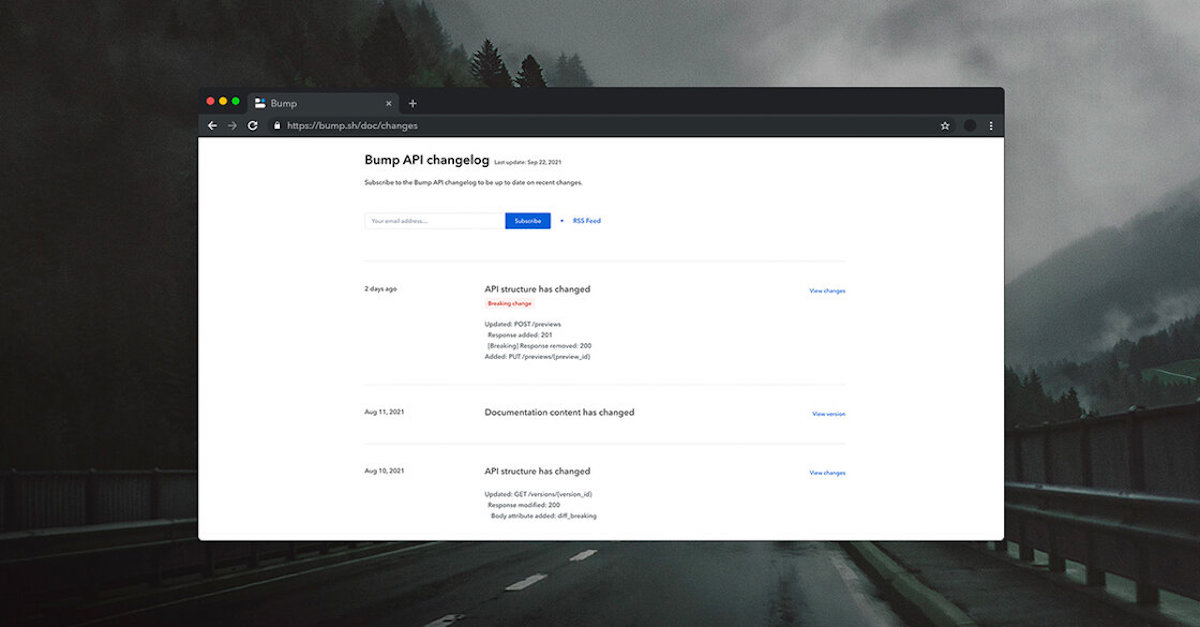
We redesigned the whole changelog page in order to bring you a better understanding of changes history of your API.
Here’s an example: https://developers.bump.sh/changes
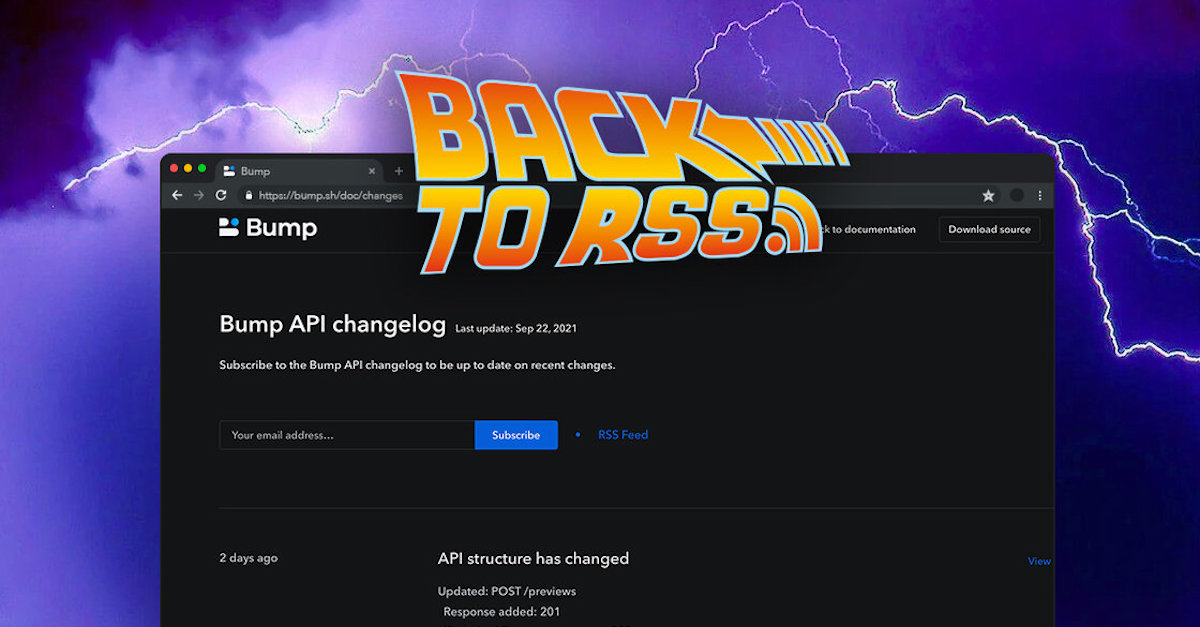
In the age of information overload, getting access to information that matters can be quite challenging and that’s exactly the purpose of RSS.
From now, get notified of the API changes through RSS in addition to the existing email.
Give it a try with the Bump RSS feed in your favorite RSS reader.
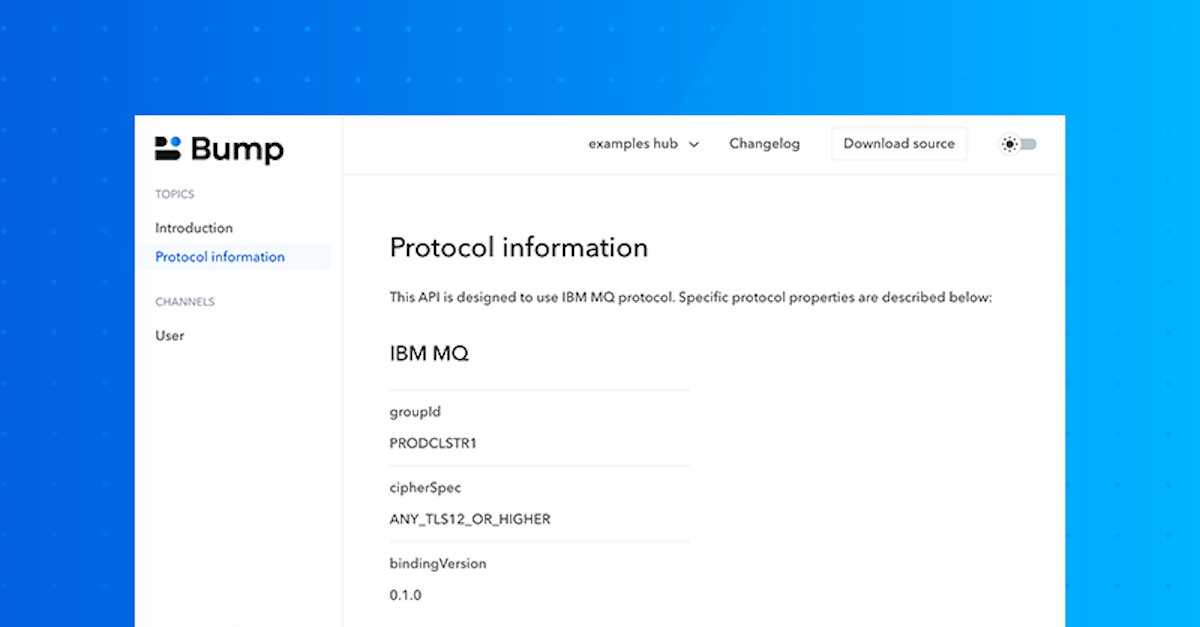
AsyncAPI users, you’ll be happy to know that Bump now supports bindings.
As AsyncAPI allows many protocols, which is really nice, bindings are a useful and necessary mechanism to define protocol-specific information. Bump now displays protocol information defined at server, operation, and message levels, as part of an ongoing work for a better understanding of API documentations.
Here’s an example: https://bump.sh/hub/examples/doc/asyncapi-user-signup#protocol-information
To give your users the best API onboarding, it often helps to be able to share specific pieces of information.
Thanks to this new feature, you can now share and highlight anything in your API documentation with just a click. The selected element will be highlighted following your color theme.
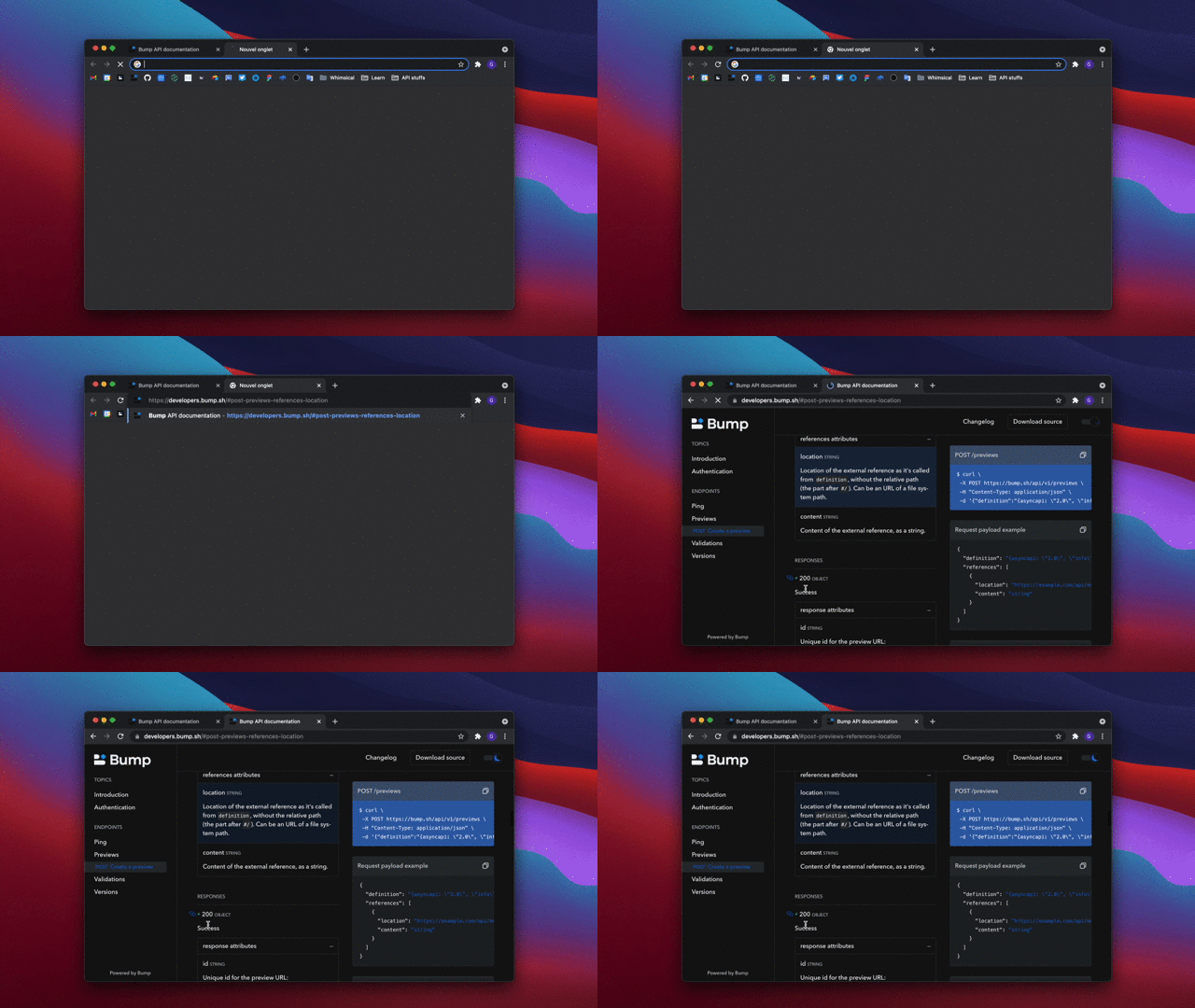
Give it a try: https://developers.bump.sh/operation/operation-post-previews
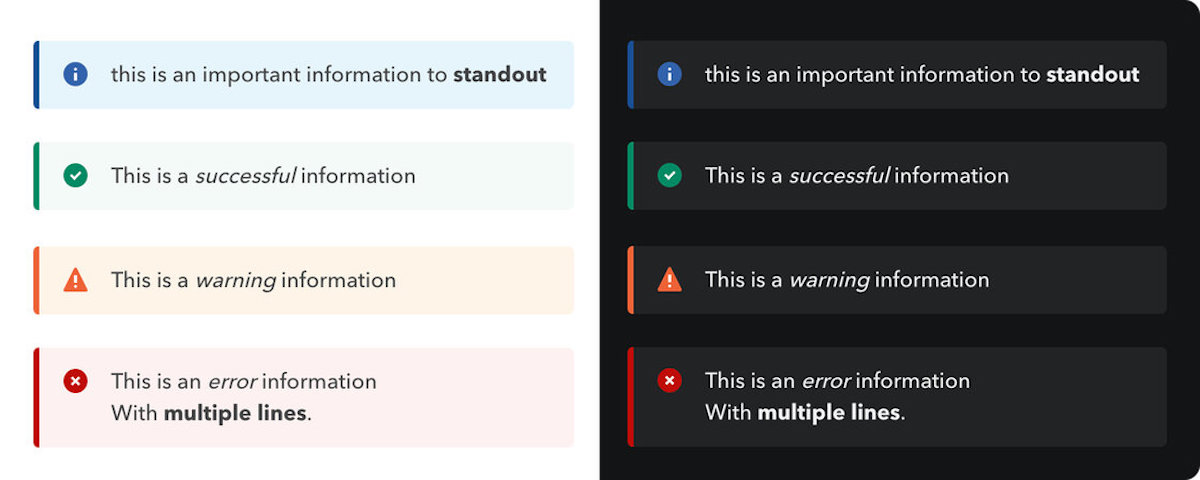
As markdown is a standard and a common way to bring more readability into your documentation, we have made some improvements on markdown support and bring new features to help you create fast and beautiful API documentations.
Bump now supports common Markdown syntax, language color syntax highlighting, and information call-outs. Last but not least, Markdown can be included inside your contract file or as an external reference using dedicated Markdown files.
Check our help page to start taking advantage of markdown in your API documentation.
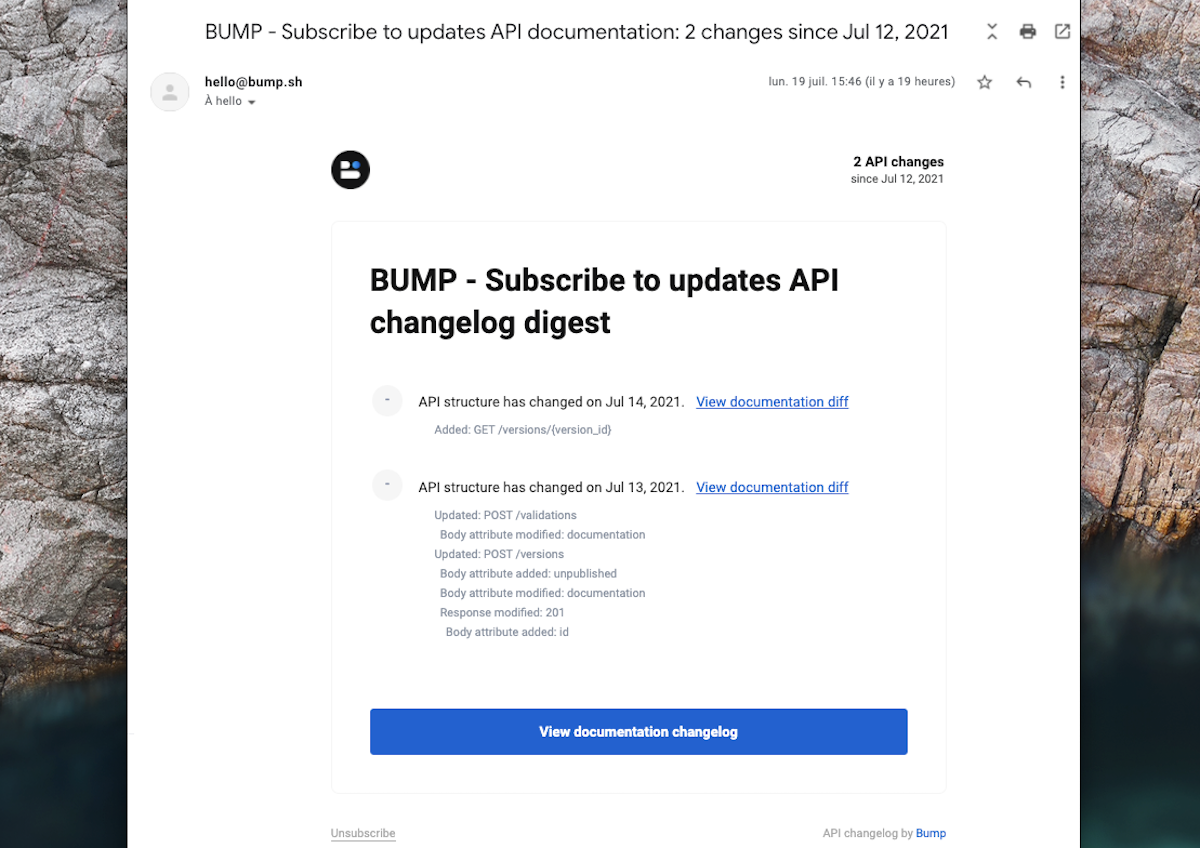
In API documentation, changelogs are important, and your API consumers need to stay up-to-date on recent changes.
It’s now possible for them to subscribe by email to your API changelog: they will receive a summary of the changelog every week in their mailbox!
Want to see it in action on Bump API documentation? See it live
Do not hesitate to invite your API consumers to subscribe to your API updates (available at http://{your-doc-url}/changes)
Never miss an API change again (now, it’s in your mailbox in case you missed it 😉)